
The security events are a great source of information as they display the operations performed by RDPlus Security to protect your computer.
The Events window can be opened from the RDPlus Security main window, by clicking directly on the last 5 events displayed or on the dashbord tab. The information displayed on the Events window are refreshed automatically every few seconds.
The list of security events presents 4 columns, which describes the severity, the date of the check or performed operation, the associated feature icon and the description.
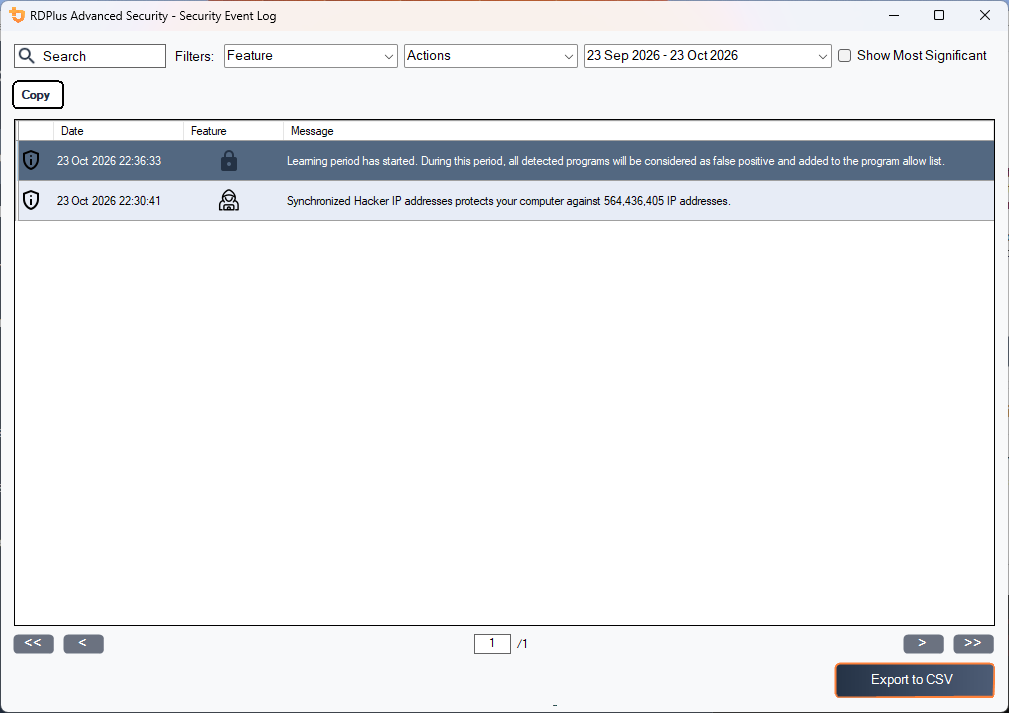
The description of the event often explains why the action was performed or not. Retaliatory actions are often written in red and highlighted with a red shield icon.
Events window can be moved around and does not prevent you from using the other RDPlus Security feature.
Navigating and Searching through events
- A deep global search is now available in order to find specific events quickly.
- Next to the global search, 2 date and time pickers filters the displayed events according to the date the event was raised.
- On the right, arrows allows to change pages and navigate to view older events.