
Run the ServerGenius Setup program and then follow the installation steps .
Note: Windows will prompt you to run the setup as Administrator.
Click on “Next”.
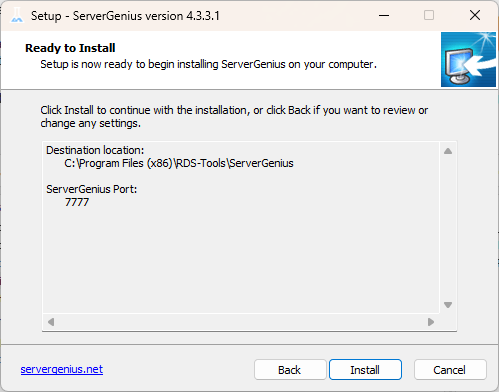
Choose if you want the recommended install, or the advanced install.
If you choose the advanced install, you will have a few extra configuration options:
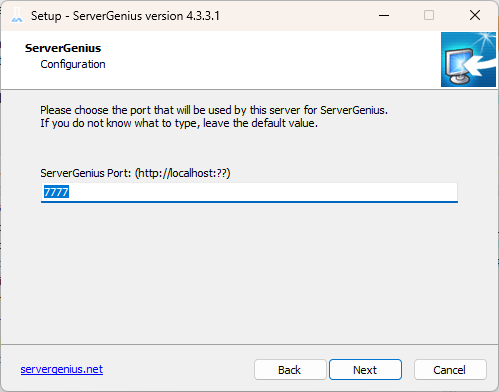
The Advanced option allows you to:
- Use custom proxy settings.
- Download the installer without running it, which does not install ServerGenius.
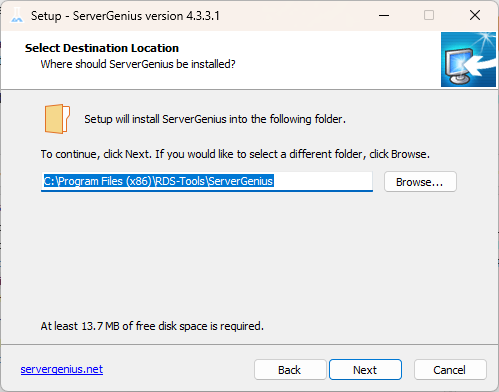
You can choose to install ServerGenius in a custom location.
ServerGenius uses a SQL Server database to store all the data coming from your monitored servers.
You can use the default SQL Server Instance, or choose another instance if you already have SQL Server installed .
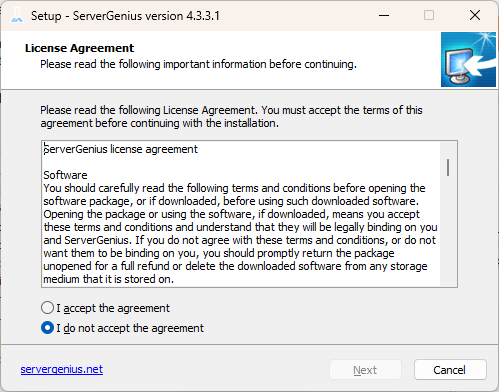
Please click on “I agree” to accept the license agreement.
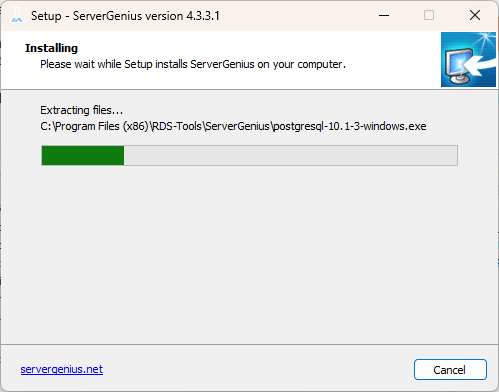
The setup will now download all the prerequisites
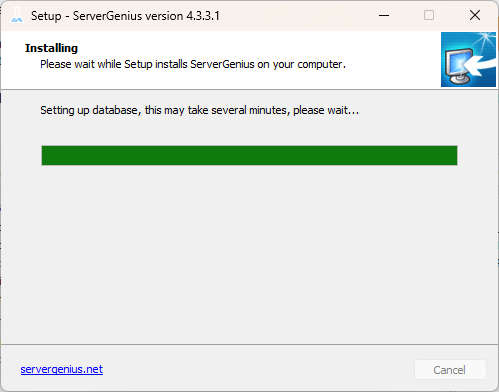
Please be patient – It can take a few minutes to fully install the software and its prerequisites.
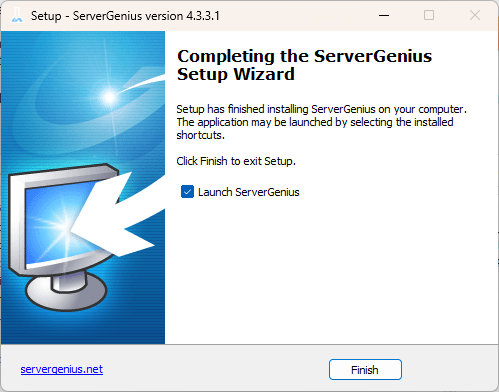
NOTE: You may be required to restart your computer before using ServerGenius.
You can now open ServerGenius by clicking on the shortcut created on your desktop.
You will be greeted by the home screen of the Administration Console:
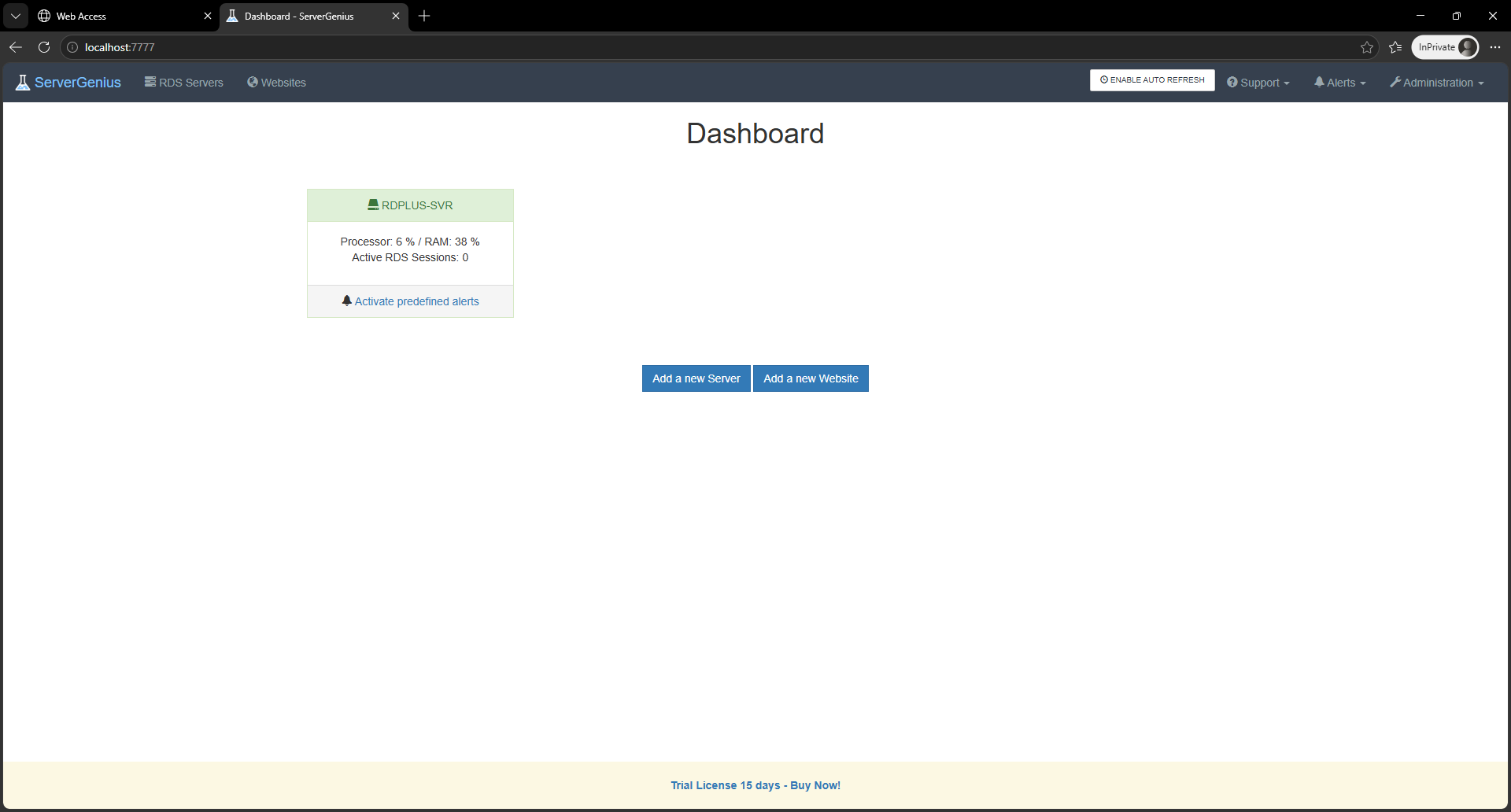
The free trial of ServerGenius is a fully featured 15 day license.