What is RDPlus Remote Support?
RDPlus Remote Support enables screen sharing and remote control for your support team so they can provide instant remote assistance to your teams or clients anywhere. With Remote Support, agents and maintenance teams can provide instant attended or unattended access to remote Windows PCs. RDPlus Remote Support is a solution for IT professionals to deliver internal maintenance and for customer support teams to assist remote clients.
How does it work?

RDPlus Remote Support enables Windows Desktop Session Sharing. It uses end-to-end encrypted connections for both support agents and end-users. Connections are facilitated by the RDPlus Remote Support relay servers and require no installation for agents or end-susers.
RDPlus Remote Support relay servers are distributed all around the globe to ensure the better performance and experience. Relay servers are maintened directly by the RDPlus developement team.
Two Access Modes Available
Two access modes are available:
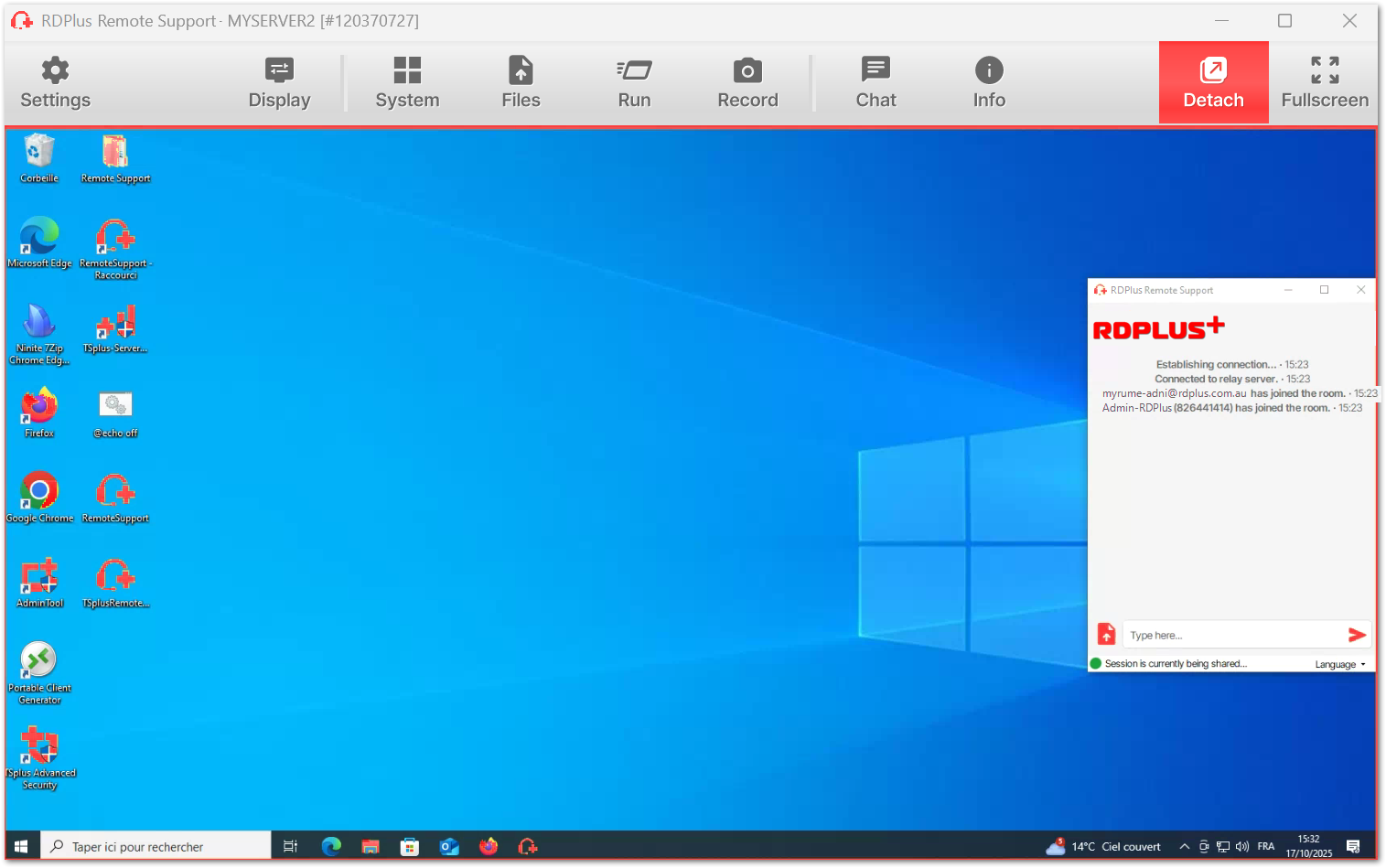
- “Remote Control” allows you to take control of the remote session using your mouse and keyboard, while displaying the screen of the distant session.
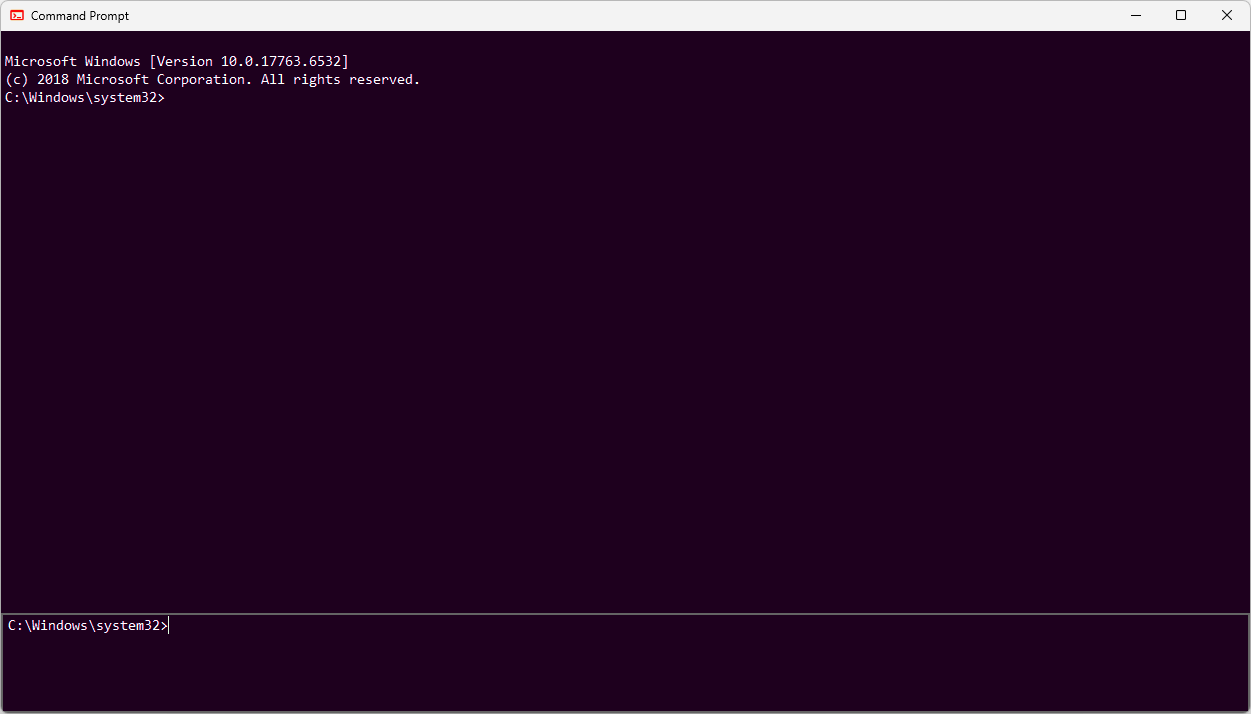
- “Command Line” allows you to display a command prompt in the context of the remote session.*
* “Command Line” mode is only available if the remote computer have enabled unattended access.
Remote Control
Command Line