
With ServerGenius, you have various standard reports that our team has provided as templates. However, in certain cases, you may want a particular report which is not provided by our team.
If you think that other customers than you may be interested by this report, please contact our support team, and we will try to add it to the list of standard reports, if it is eligible.
If it is a very specific change that you need, you may want to customize an existing report, or even create a new one (for advanced users).
To customize an existing report: first select a report (website or server) by clicking a Server tile, then by choosing a report in the left menu.
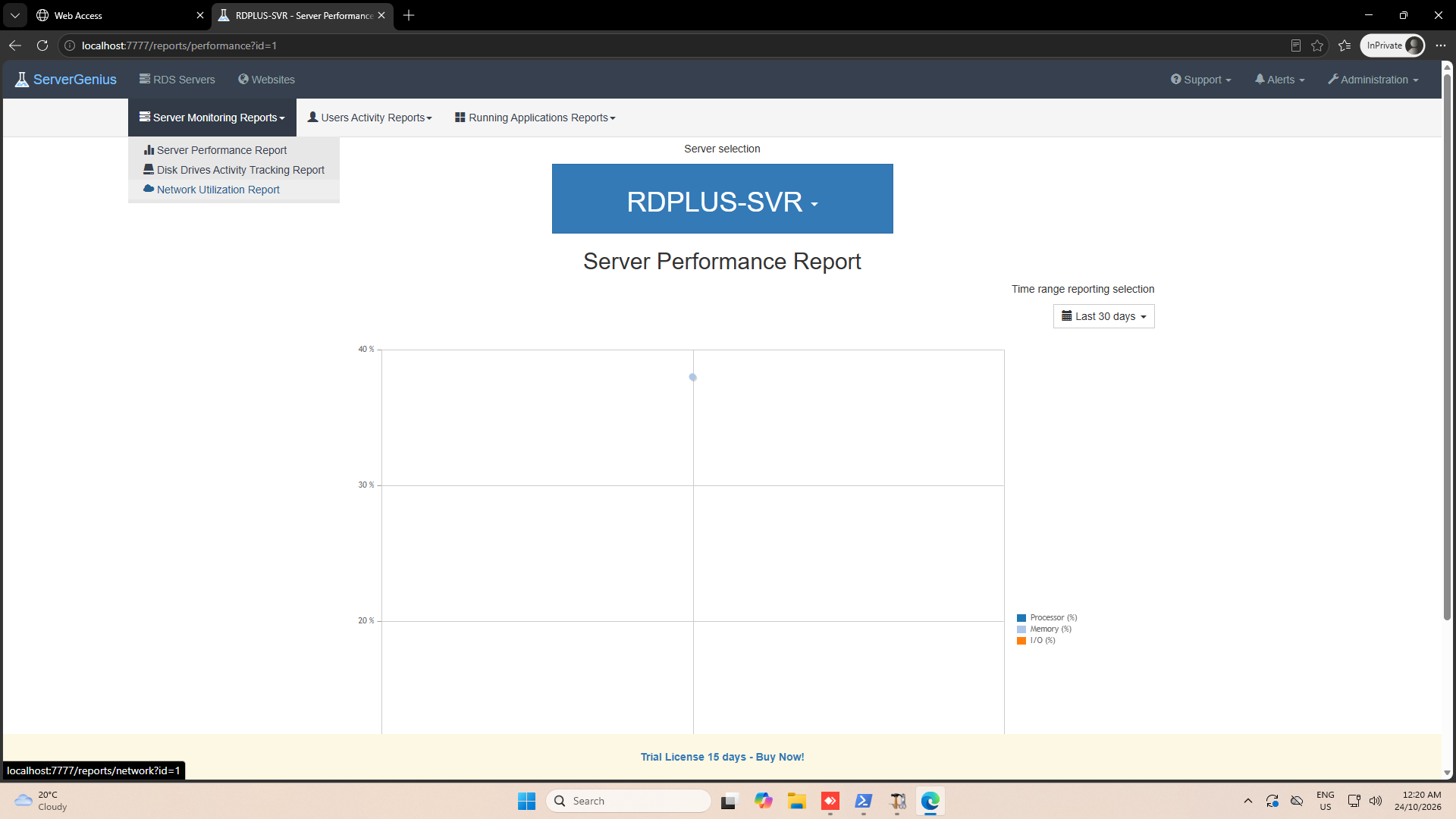
Then click on the Customize button:
A report designer will appear:
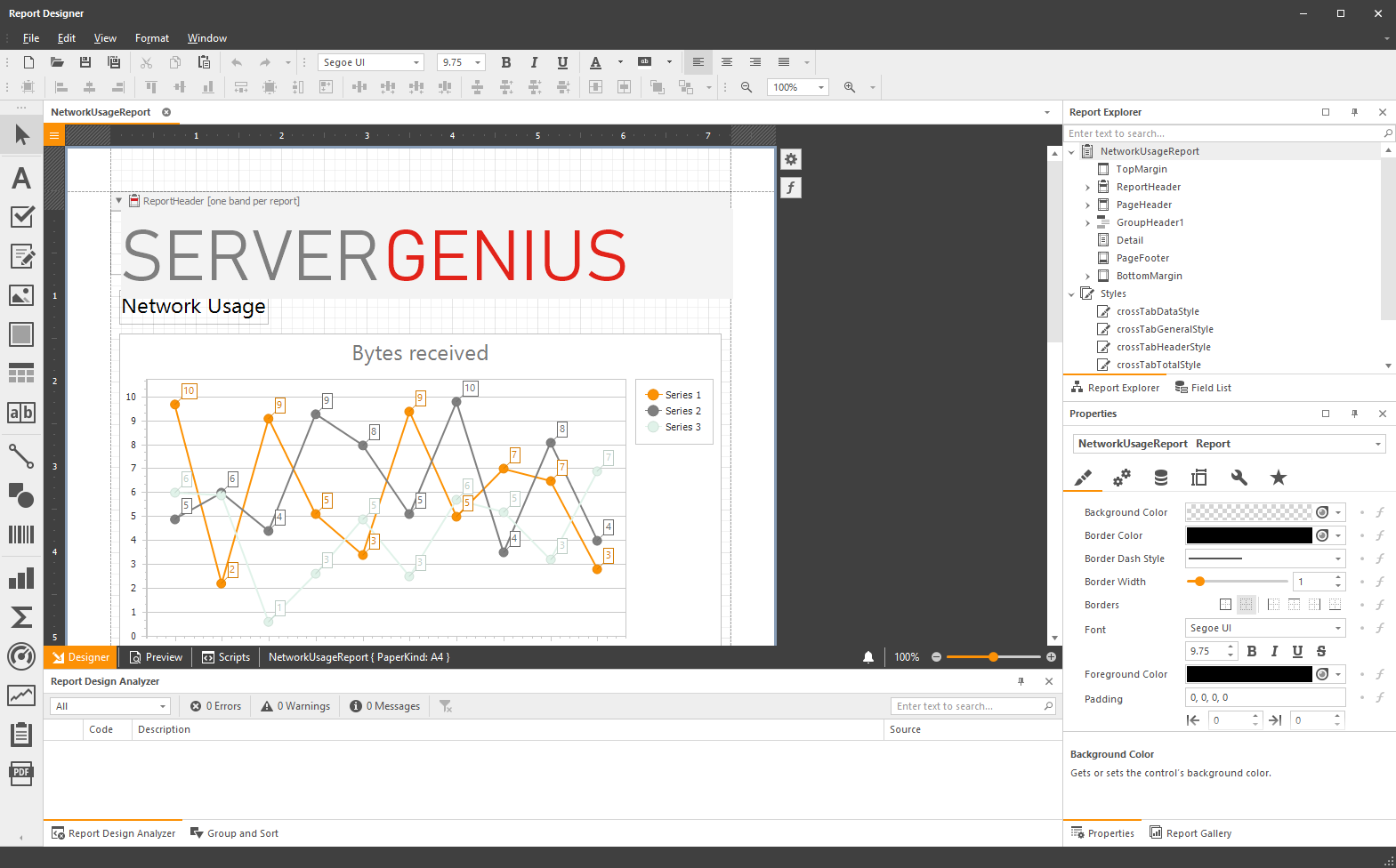
When you did all the modifications you wanted, click on the Save button, and give a friendly name to your custom report:
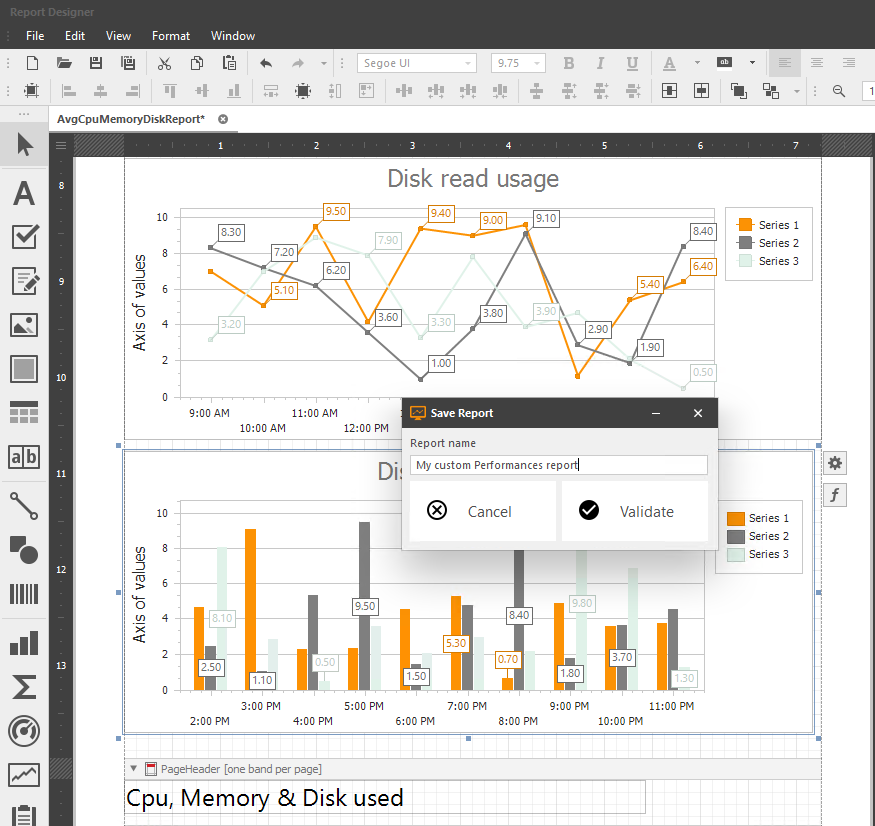
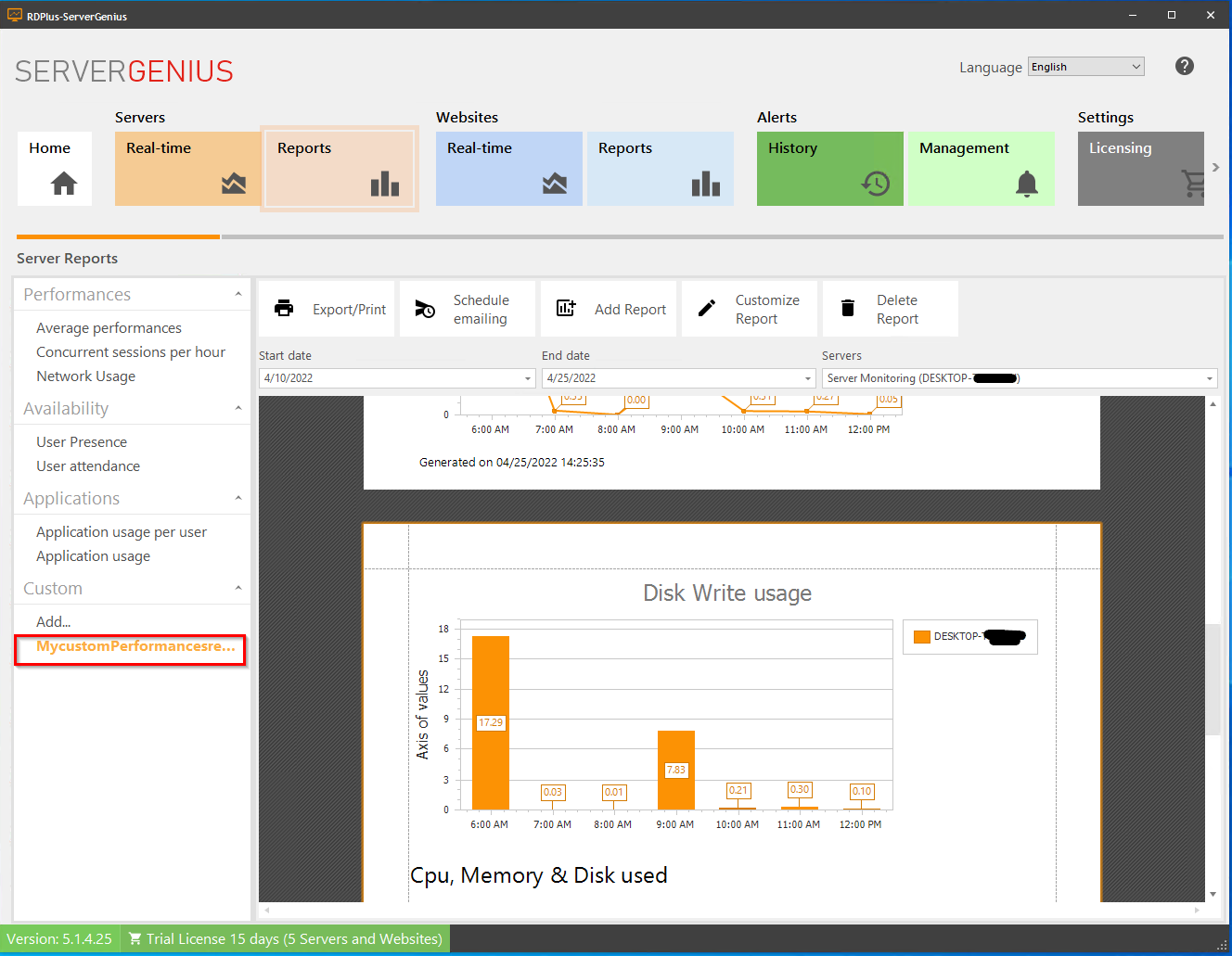
Your custom report will then be available in the left menu, and you can select it to view it.
Here are a few examples of easy modifications you can make to a report:
Here is how you can use the existing data in the ServerGenius database : Use data from database