If you want to uninstall ServerGenius, you may do so by following the steps below:
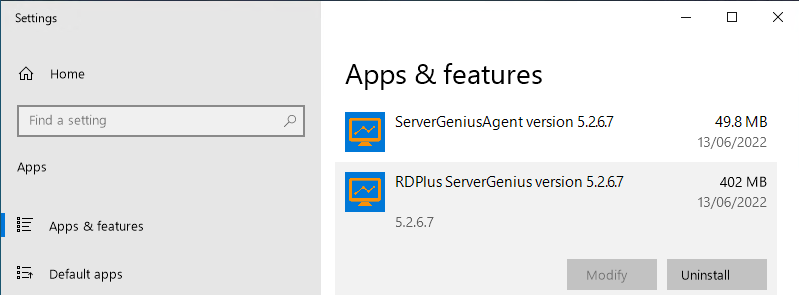
Open Windows Settings > Apps > Installed apps (or Apps and features), and search for ServerGenius.
Uninstall both ServerGenius and ServerGenius Agent.
- ServerGenius uses a SQL Server database to store its data. During ServerGenius uninstallation, SQL Server instances and databases are not deleted, because you may want to keep your data, and you also may use SQL Server instances for other purposes.
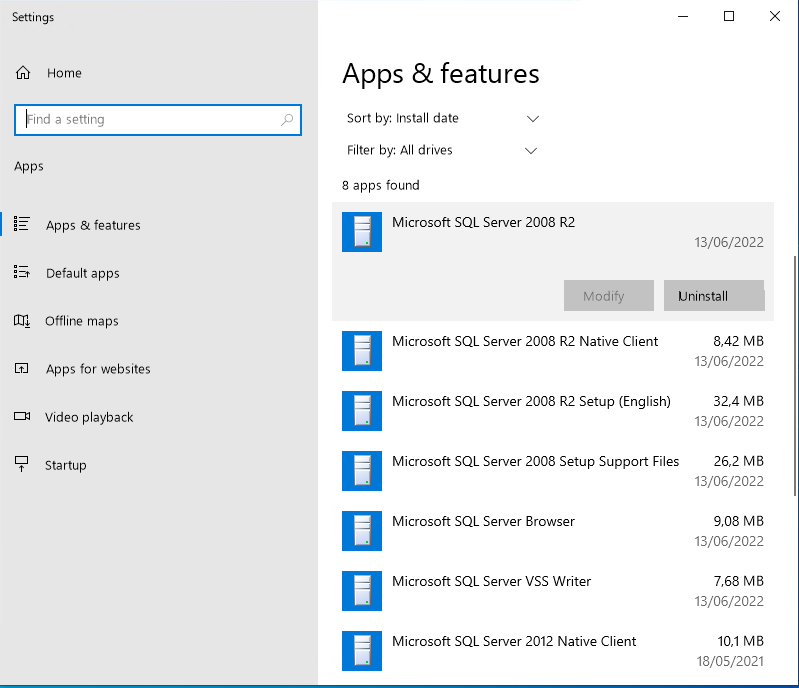
If it is not the case, and you want to uninstall also the SQL Server instances and databases, you can do so by searching for Microsoft SQL Server and uninstall the following :